








AI Word to PowerPoint Converter
Turn your Word document into stunning PowerPoint slides
Easily convert Word to presentation with AI
Our AI presentation maker will do all the work, converting your Word files into professional presentations without any manual formatting or design effort from you. Whether you want to convert Word to PowerPoint or optimize text structures, this AI presentation tool eliminates all formatting issues.
Step 1: Import your Word document
Drag and drop your DOCX or DOC file into the designated area. You can upload your Word text by dropping a DOCX file or simple DOC files directly. The Word to PPT AI tool immediately will analyze your document structure and content to prepare for slide generation and extract key details.
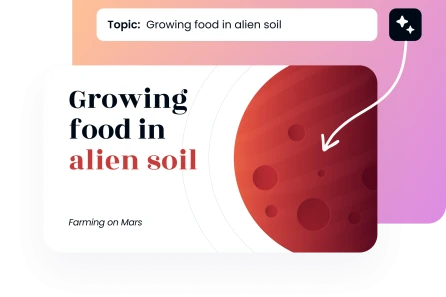
Step 2: Choose your preferences
Select your presentation tone (Formal, Casual, Persuasive, or Educational). Choose your style (Professional; Creative; Minimal; Corporate; Academic; Startup Pitch) and the number of slides you require, between 5 and 25 slides. Our presentation builder configures everything into a well-organized layout.
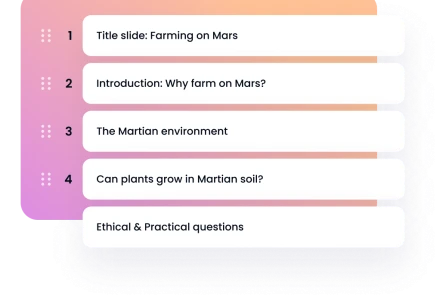
Step 3: Pick a template
Search our large collection of professional templates. Select a design template that suits your content and purpose to achieve visual consistency and maximum impact across your presentation deck. Our professionally designed templates transform raw text into visually appealing graphics.
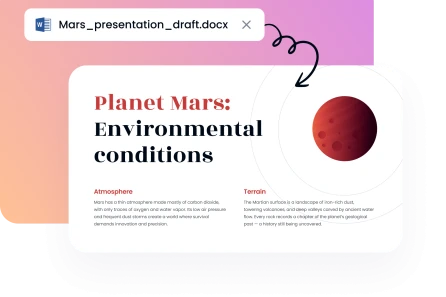
Step 4: Download PPT file
Our Word to PPT converter online tool will generate a complete presentation in seconds. Save the PowerPoint file as a PPTx for a seamless export. Open it in Microsoft PowerPoint or Google Slides to make any final changes to your editable slides.





Our Word to PPT conversion benefits

Privacy-first approach

Rapid PPT generation

Intuitive interface

Designer-quality templates

Budget-friendly efficiency

Universal flexibility
Professional templates for any Word to PPT generation
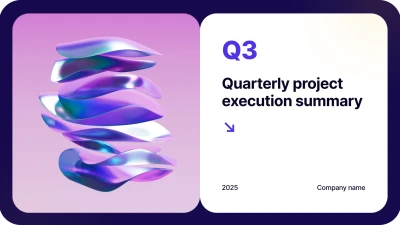
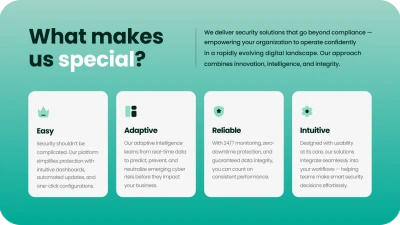

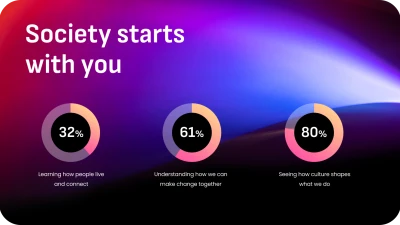


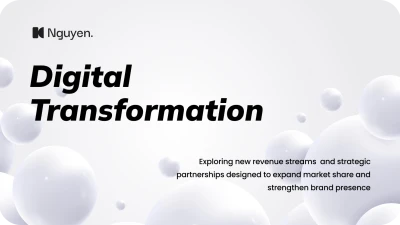
Choose among hundreds of designs in our large template library to make your message impactful. You’re able to transform your Word content into engaging presentations. Each template is brand-consistent and professionally polished throughout the entire deck.

Why users love Decksy's Word to PPT AI tool