AI PDF to PPT

Turn your PDF document into stunning PowerPoint slides

Convert PDF to PPT using AI. Upload your document, choose a template, and download refined slides in a few seconds

How to convert PDF to PowerPoint with AI

Create professional presentations with our AI presentation maker. You can convert your PDF files into beautiful presentations automatically in four easy steps.

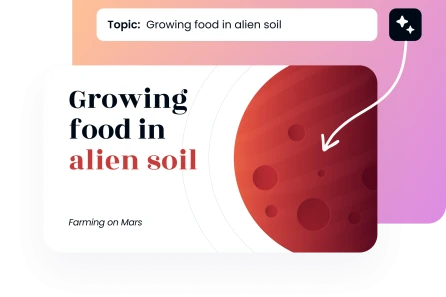
Step 1: Upload Your PDF File

Drag and drop your PDF file into the upload box. The PDF to PPT AI converter instantly analyzes your content structure and extracts key details to prepare for slide generation.
Create Presentation
Step 1: Upload Your PDF File

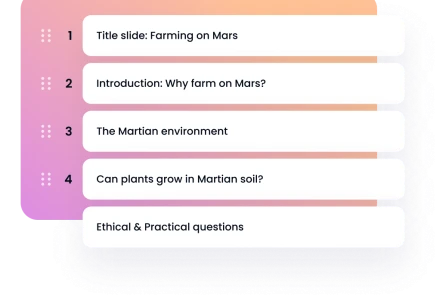
Step 2: Personalize Your Settings

Choose your presentation tone (Formal, Casual, Persuasive, or Educational). Select your style of choice (Professional, Creative, Minimal, Corporate, Academic, or Startup Pitch) and set up the number of slides between 5 and 25.
Create Presentation
Step 2: Personalize Your Settings

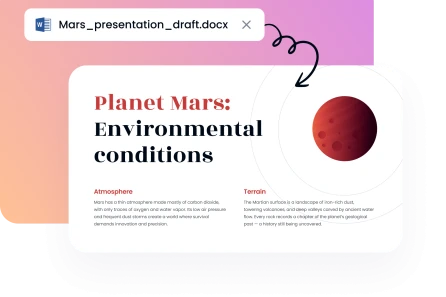
Step 3: Select Your Design Template

Choose among a wide range of professionally designed templates. Select a layout that fits your content and purpose to make sure there’s visual consistency across your presentation deck. You’ll need just a few clicks.
Create Presentation
Step 3: Select Your Design Template

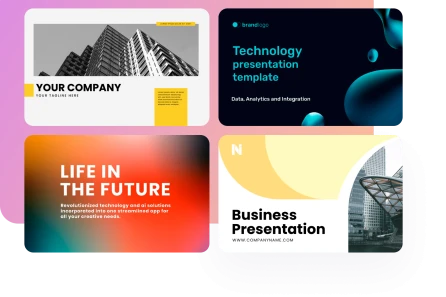
Step 4: Save Your PPTX File

Your entire presentation is prepared in a few seconds. You can download your PowerPoint presentation and open it in Microsoft PowerPoint or Google Slides to make any final changes that you might find necessary.

Create Presentation
Step 4: Save Your PPTX File
Trusted by 200K+ users worldwide
image
image
image
image

Our PDF to PPT converter benefits

With AI.Decksy's PDF to PPT AI tool, you can easily create PPT from PDF. Learn about our features for professionals, educators, and students.
image

Secure & Confidential

Your documents are confidential and encrypted. They are available only to you all through the conversion process.
image

Lightning-Fast Generation

Quick processing saves you a lot of time, so you can focus on perfecting your message and ideas.
image

Beginner-Friendly Design

Anyone can make PPT from PDF using AI with our intuitive controls and a clean interface.
image

Professional Template Library

Explore our wide range of layouts designed to be visually clear and have the greatest impact in any industry.
image

Cost-Effective Solution

Make PPT from PDF without hiring expensive designers. Spend less time and money on creating your presentations.
image

Versatile Application

Our PDF to PowerPoint AI is here to assist you with your client proposal, educational lecture, or class project.
Show more

Professional templates to turn your PDF into a PPT with AI
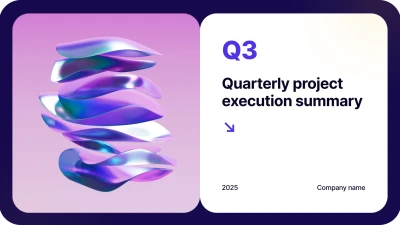
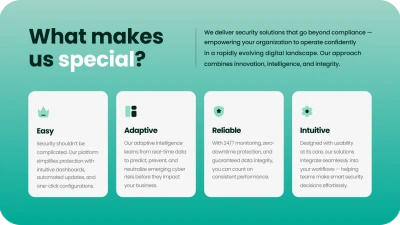
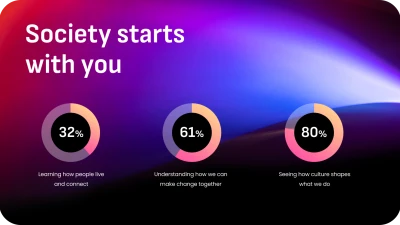
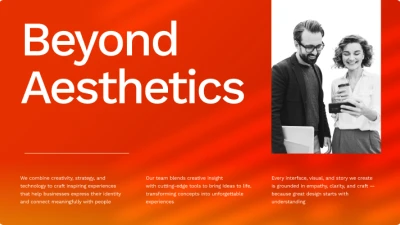
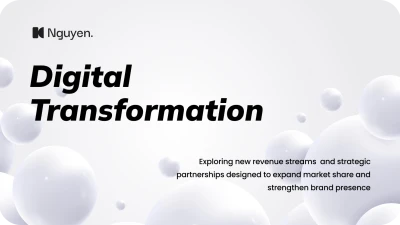
Select among hundreds of designer-quality layouts in our template library. Every design is optimized to convert your PDF files into stunning presentations, ensuring the brand is consistent throughout the entire deck.

Business
Business
Business
Business
Business
Business
Business
Business
Business
Business
Business
Business
Business
Business
faces

Why users love AI.Decksy's PDF to PPT AI tool

Professionals across different industries rely on our PDF to PPT AI presentation tool to streamline their workflow and create impressive presentations with minimal effort.
illustration
Revamped Our Report Workflow
We used to spend hours re-formatting analytical reports into client presentations. We can now convert PDF to PPT in real time. We only need to upload documents to get flawless decks.
icon
Christina R., Asset Management Consultant
illustration
Critical to Research Presentations
Turning research papers into conference slides was never fun. This PDF to presentation AI solution excels in extracting findings and creating compelling presentations that resonate with academic audiences.
icon
Dr. Helen K., University Researcher
illustration
Rapid Marketing Deliverables
Our team creates white papers that need presentation versions. This PDF to PPTX AI converter reduces our production time significantly, becoming indispensable to our workflow.
icon
Brandon L., Digital Strategy Director
illustration
Startup Funding Success
I didn’t have the money to hire professional designers. This solution assisted me in making presentations fast directly out of PDF read only documents, which brought me a long way.
icon
Natalie W., Fintech Founder
illustration
Enhanced Student Projects
My students use AI.Decksy's AI tool all the time to make PPTX from PDF for their research projects. The platform creates presentations quickly that are ideal in district competitions and exhibitions.
icon
Mr. Steven H., Science Teacher
illustration
Efficient Health & Safety Training
We update policy documents on a regular basis to train our staff. This PowerPoint converter saves hours of manual slide creation, while helping us give our team actionable insights to use in their daily work.
icon
Elena M., Health & Safety Manager
Show more

Frequently asked questions

Does your AI powered PDF to PPT tool support PDFs with complicated layouts?

Yes, absolutely. Our PDF to PPT AI tool processes both text and visual elements, like images, tables, charts, and graphics effectively. The smart AI produces properly organized presentations without losing any information hierarchy or readability of the PDF file included.

Is it possible to edit the presentation after conversion?

Yes, definitely. Export your presentation as a PowerPoint fully editable presentation and work on the corresponding editing tools offline in Microsoft PowerPoint or Google Slides.

How secure is my uploaded PDF data?

Turn PDF to PPT with our tool AI in full safety. Every upload is encrypted and handled using enterprise-level security measures. Your documents remain completely confidential and are automatically deleted upon conversion.

How many times can I convert PDF to PPT daily?

Our free plan offers one complete presentation per day. Get unlimited access to our AI presentation generator with our unlimited plan.
Get started

Create a presentation using AI at the speed of thought

Create AI presentation